
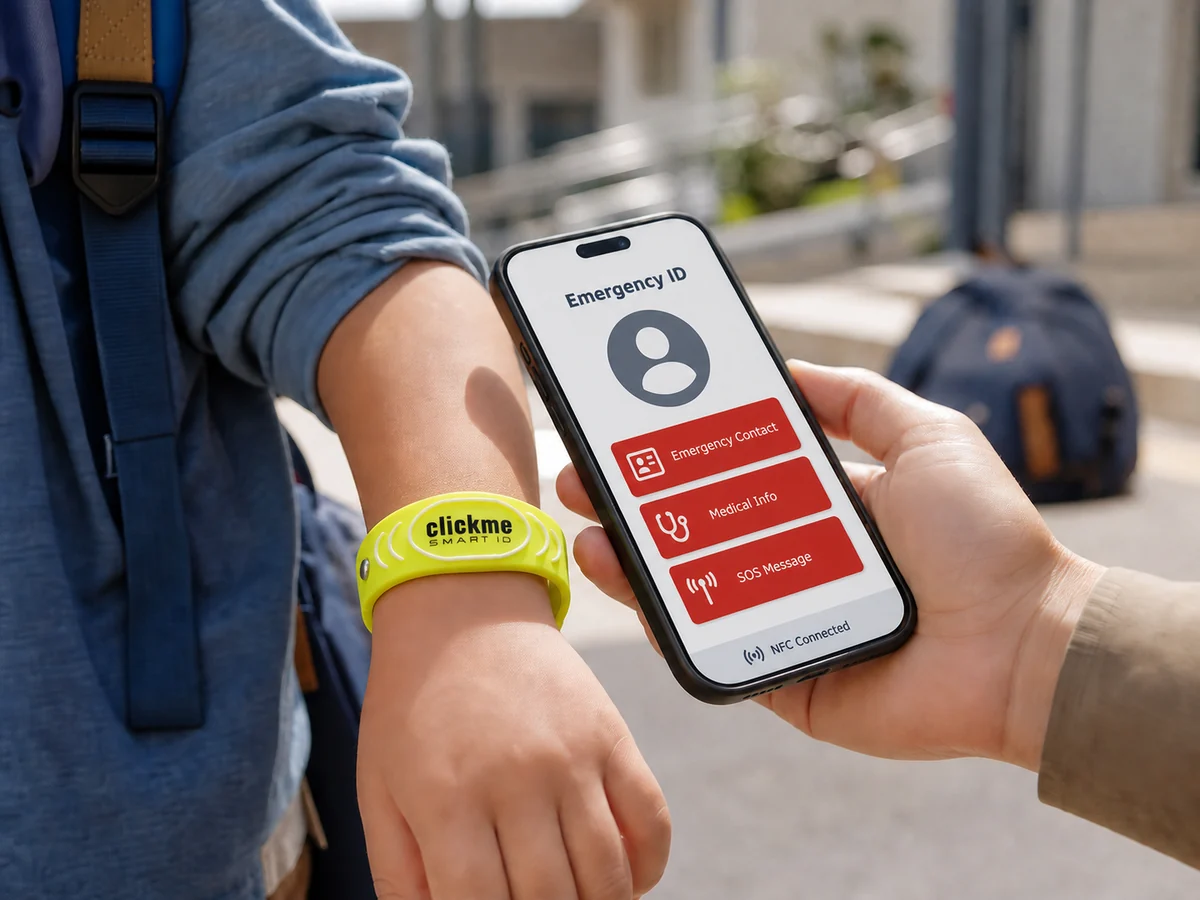
A child emergency ID cannot prevent an accident or replace adult supervision, but it can reduce uncertainty when a child is lost, injured, frightened or unable to explain who should be contacted.
The most useful emergency ID is easy to notice, quick to access and limited to information that may genuinely help during the first few minutes of an unexpected situation.
A wearable NFC and QR emergency ID can be particularly useful during school journeys, class trips, sports activities, holidays, camps and visits to crowded public places. It creates a simple connection between the child and a parent, guardian or another trusted adult without relying entirely on the child’s memory or mobile phone.
Quick answer
A child emergency ID is a physical identifier connected to a digital emergency profile. A helper can tap it with an NFC-enabled phone or scan its QR code to access parent contact details and selected safety information.
When the profile opens in a standard mobile browser, the person helping does not need to install a separate application.
Many families already store emergency contacts on a smartphone. This is a sensible first step, as Apple and Android devices can make selected emergency information available from the lock screen when the relevant settings are enabled.
However, a phone is not always beside the child.
It may be:
A visible bracelet or tag provides another route to the same practical goal: helping a responsible adult contact the child’s family quickly.
The strongest setup is therefore not necessarily a choice between a phone and a wearable ID. Families can use both, provided the information remains accurate and consistent across each channel.
A child may become separated from friends, feel confused or be unable to reach a parent.
A trusted adult who notices the emergency ID can open the profile and call one of the listed contacts.

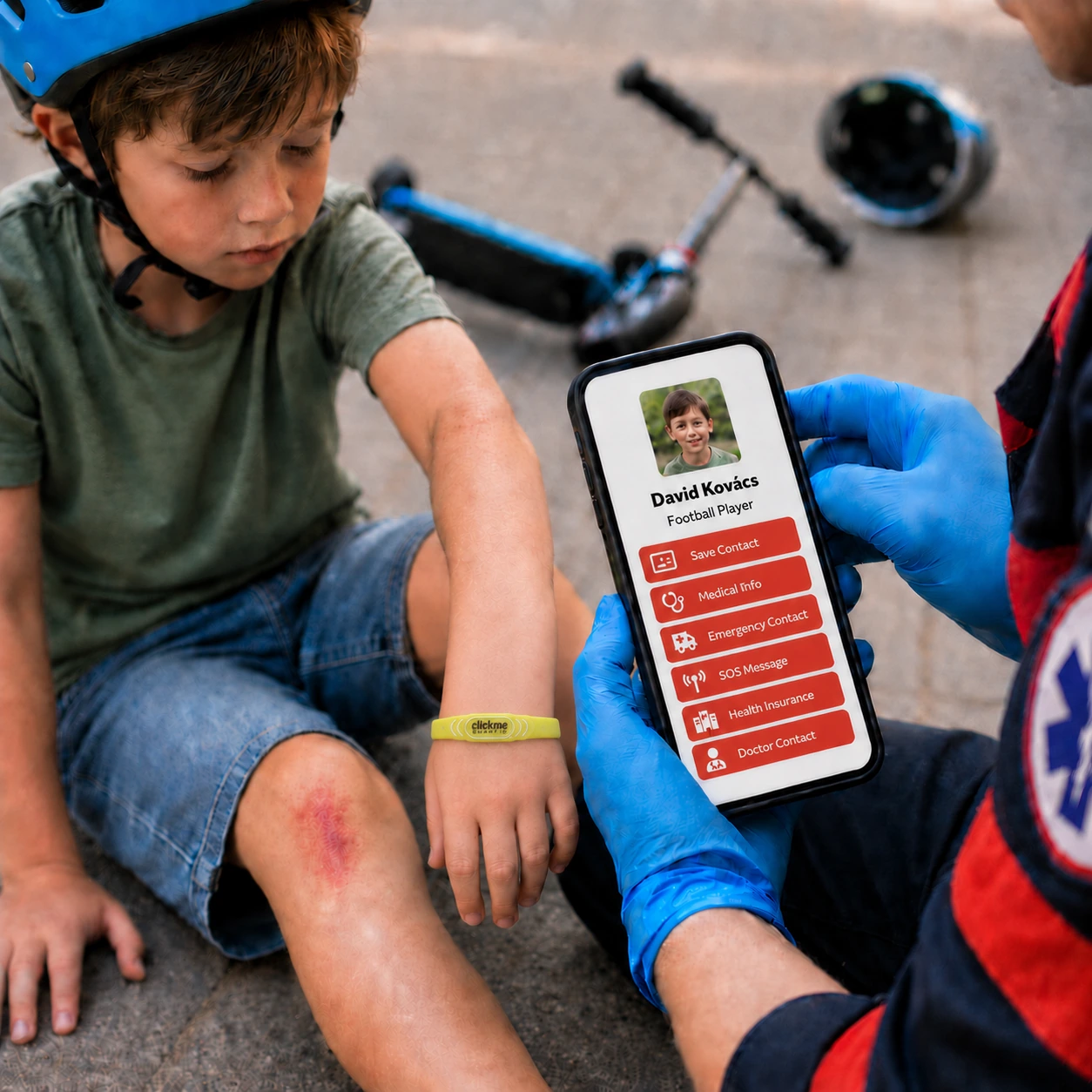
A fall or injury may leave a child frightened, distressed or unable to communicate clearly.
The profile can provide parent contact details and concise information that may be relevant to the situation.
During a school trip or camp, children are away from their usual routine and carers.
A wearable emergency ID provides an additional contact route that remains physically attached to the child.
Crowded locations make it easier for family members to lose sight of one another.
Staff members or another responsible adult may be able to use the identifier to find out whom to contact.
Stressful situations can make verbal communication more difficult.
A short, parent-approved note can explain the most appropriate way to communicate with or assist the child.
A good child emergency profile is not a miniature medical record.
Its first purpose is to help the person holding the phone understand what to do next. The opening screen should therefore be designed around one clear action: contacting a parent or guardian.
List two trusted adults instead of relying on a single telephone number.
Use a simple relationship label such as:
Whenever possible, make each number directly callable with one tap.
Both contacts should know that they have been added to the profile and understand what information is publicly visible.
A second contact is important because the first person may be working, travelling, driving or temporarily unavailable.
The child’s first name, preferred name or another limited identifier may be enough for the intended situation.
More information is not automatically better.
The appropriate amount of information depends on the child’s age, independence, routine and the situations in which the emergency ID will be used.
If the child has a serious allergy, an important medical condition, an essential medication note or a communication need, describe it briefly and in plain language.
Medical wording should be reviewed by an appropriate healthcare professional whenever necessary.
Avoid ambiguous statements and unverified information. Blood type, for example, should never be guessed.
Information displayed in a digital emergency profile provides additional context. It does not replace professional medical assessment or official medical documentation.
Add a short “Last checked” date to the profile.
This helps a person viewing the page understand whether the information is likely to be current. It also reminds the family to review the profile regularly.
Update the profile whenever there is a change to:
An NFC or QR profile may be opened by anyone who can access the physical identifier. The public-facing page should be designed with this in mind.
The GDPR principle of data minimisation provides a useful rule: only share information that is adequate, relevant and limited to what the intended purpose requires.
In most cases, a public child emergency profile should not include:
Before publishing any field, ask the following question:
Would a responsible stranger need this information to contact us or provide immediate, appropriate help?
If the answer is no, leave it out.
The profile can only help if somebody notices the identifier and understands how to use it.
A high-visibility colour, an SOS symbol and a short instruction such as “Tap or scan to contact parent” can make the purpose clearer.
Using both NFC and QR provides two ways to access the profile.
NFC tap
NFC provides a convenient access method on compatible smartphones when NFC is available and enabled.
QR scan
A QR code offers a familiar alternative that can be scanned using a smartphone camera.
Both methods normally open an online profile, so a mobile data or Wi-Fi connection may still be required.
No technology provides a complete guarantee. An emergency identifier should never be treated as a replacement for adult supervision, first aid or emergency services.
Testing the emergency ID is more valuable than simply assuming it works.
Once the profile has been configured, complete a short family test:
Repeat this test before:
A simple profile with current telephone numbers is more useful than a detailed profile that nobody has reviewed for a year.
If a child is in immediate danger or requires urgent medical attention, the appropriate local emergency number should be called first.
The caller should follow the instructions given by the emergency operator.
In the European Union, 112 is available free of charge and can connect callers with police, ambulance or fire services.
After urgent help has been requested, an emergency ID may assist with contacting the family and sharing concise information.
It does not authorise a bystander to make medical decisions, and it does not replace official emergency procedures.
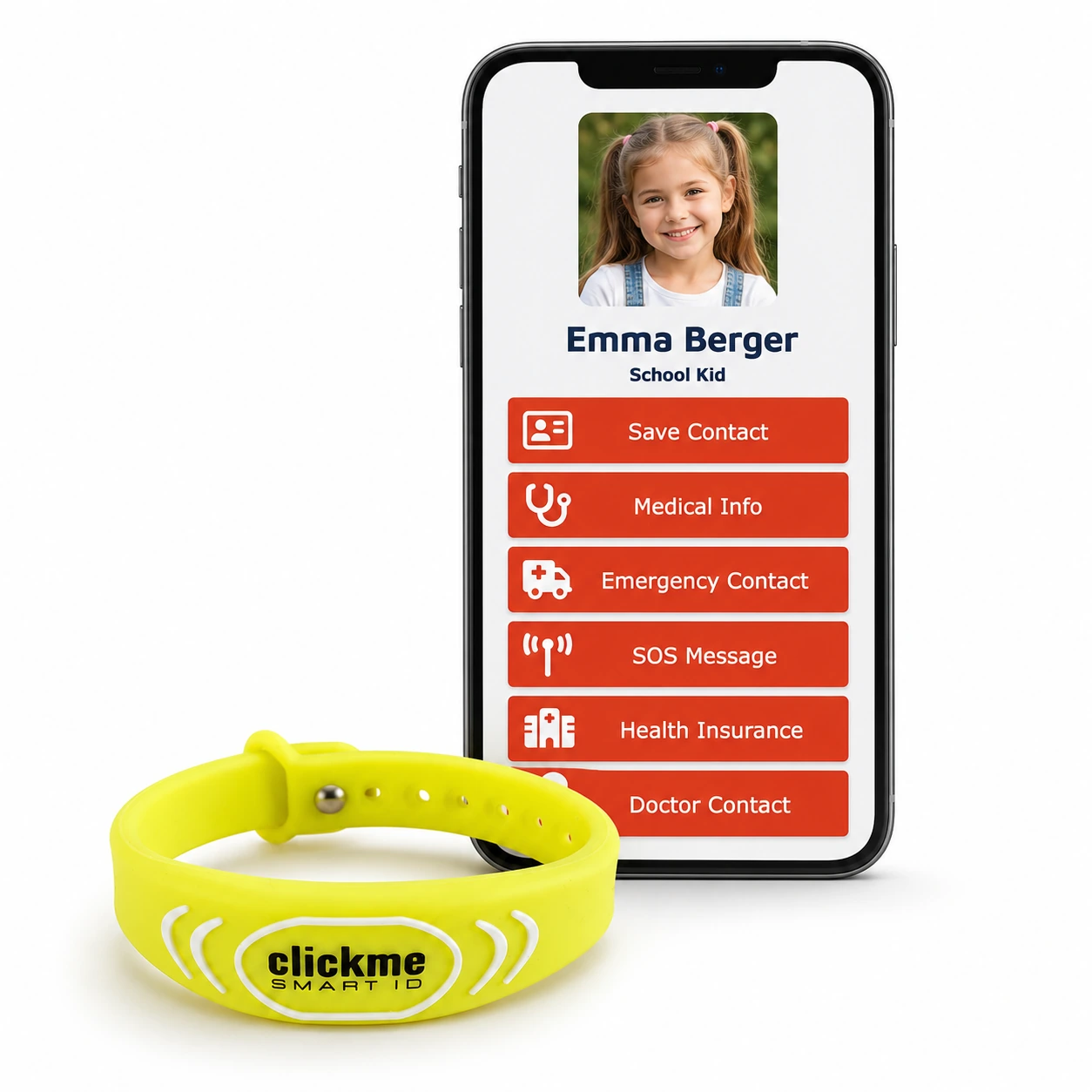
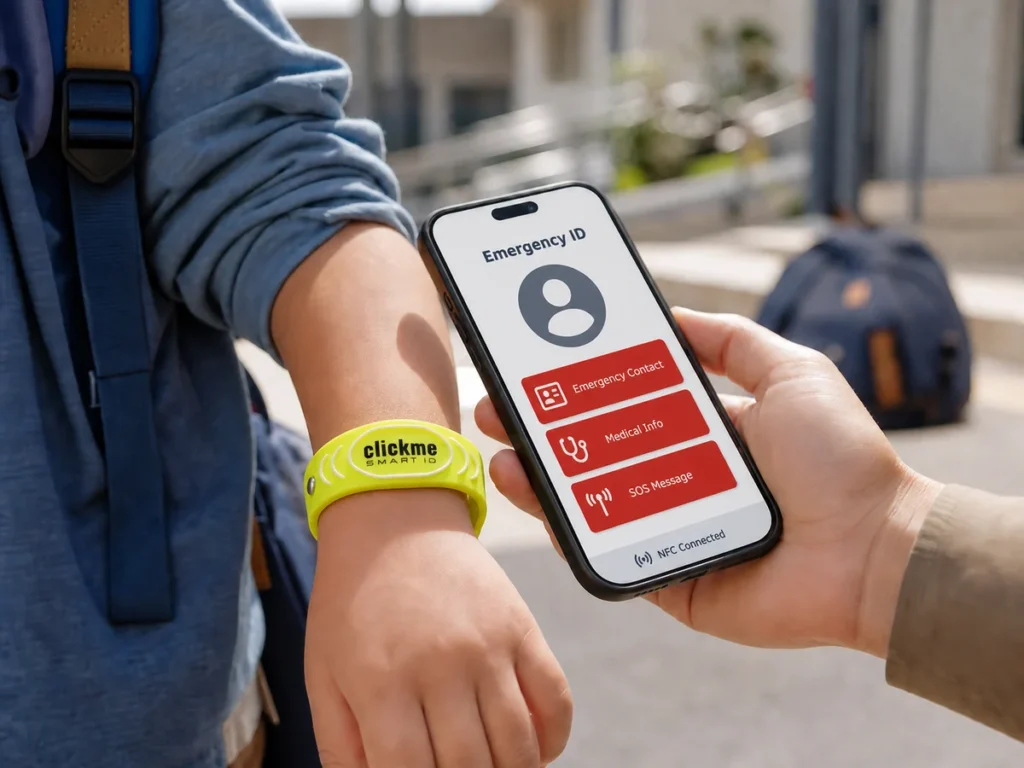
The ClickMe SOS NFC ID Bracelet for Kids is a high-visibility neon yellow wristband with both NFC and QR access.
It connects to an online SOS profile that can be updated whenever contact details or relevant information change.
The profile opens in a mobile browser, so the person helping does not need to install a dedicated application.
The bracelet can provide an additional contact route during:
Families decide what information to add to the profile and remain responsible for keeping it accurate and up to date.
A visible contact route when your child may not be able to explain
Explore the NFC and QR child safety wristband, its size guidance, setup options and complete product information:
https://clcme.eu/product/sos-nfc-id-bracelet-for-kids-neon-yellow-child-safety-wristband/
A child emergency ID is a physical identifier linked to emergency contact information.
An NFC and QR version can open a digital profile on a smartphone, allowing a helper to contact a parent, guardian or another trusted adult.
No.
A standard NFC or QR emergency ID is not a GPS tracker. It provides access to an online profile when someone deliberately taps or scans the physical identifier.
No.
The ClickMe SOS profile opens in a compatible smartphone’s web browser. An internet connection is normally required to load the online profile.
Usually not.
A public emergency profile should contain only the information necessary for contact or immediate assistance. Publishing a complete home address may create an unnecessary privacy risk.
Yes.
The linked online profile can be updated. A change to a telephone number does not necessarily require replacing the physical bracelet.
The two solutions address related but different access problems.
Phone-based Medical ID can be useful when the phone is present, working and accessible. A wearable ID can remain with a child who does not carry a phone.
Many families may benefit from setting up both.
No.
It is an additional contact and information tool. It does not replace:
European Commission: 112, the European emergency number
https://digital-strategy.ec.europa.eu/en/policies/112
EUR-Lex: General Data Protection Regulation, Article 5
https://eur-lex.europa.eu/eli/reg/2016/679/oj/eng
Apple Support: Set up Medical ID on iPhone
https://support.apple.com/en-us/105072
Android Help: Emergency information and contacts
https://support.google.com/android/answer/9319337?hl=en
This article provides general information only. It is not medical, legal or emergency-response advice. Ask an appropriate professional to review health-related wording and follow the official emergency guidance for your location.

 English English
  German
 French
 Spanish
 Italian
 Hungarian
 Romanian
 Greek
Greek
 Dutch
Dutch
 Polish
 Turkish
 Arabic
