Menu

NFC Compatibility Guide: iPhone vs Android

NFC Explained: What It Is, How It Works, and What’s Compatible With Which Phones

What NFC is (in plain terms)

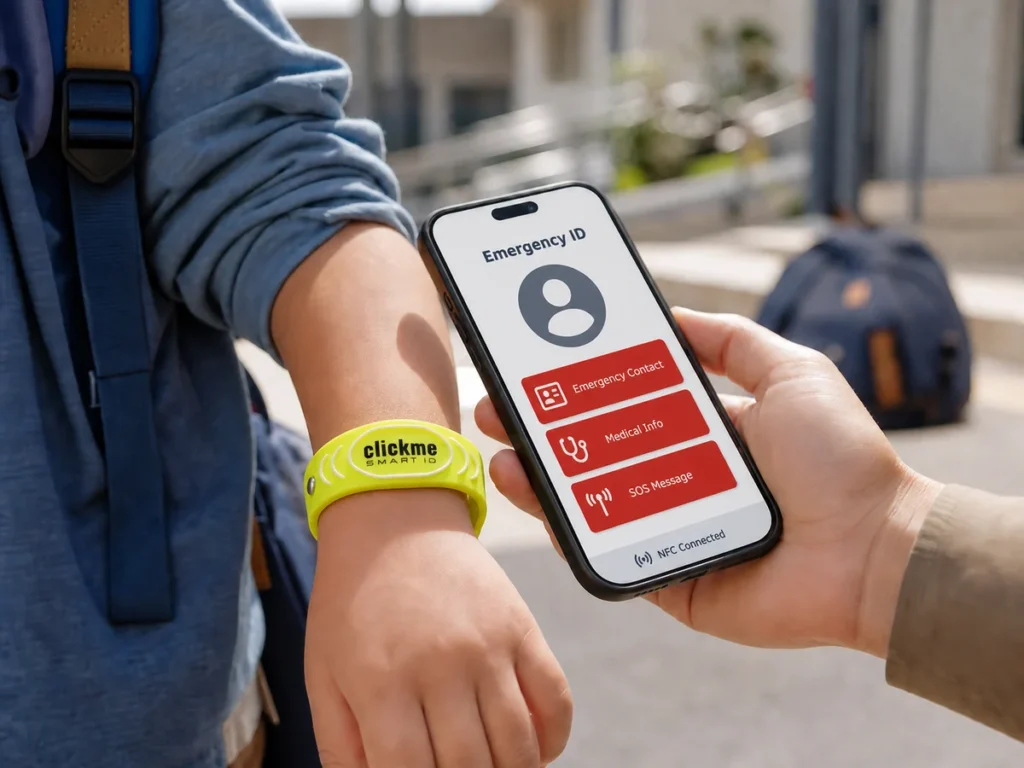
NFC (Near Field Communication) is a short-range, contactless wireless technology designed for fast, simple interactions—think “tap a phone to a tag.” It operates at 13.56 MHz, works over a few centimeters (often around ~2 cm in typical scenarios), and is special because an active device (like a phone) can also provide power to a passive tag, enabling battery-free stickers/cards. (Source: nfc-forum.org)

How NFC works under the hood

NFC uses near-field magnetic coupling (not “far-field” radio like Wi-Fi). In most everyday use:

  • A phone acts as the initiator/reader: it generates a magnetic field.
  • A tag acts as the target: it harvests enough energy from that field to respond and transmit its data.

That’s why an NFC sticker can be paper-thin and still “work” without any power source of its own—your phone briefly powers it during the tap.

The three NFC modes you’ll run into

  1. Reader/Writer mode
    Your phone reads (and sometimes writes) data on a tag—URLs, contact cards, Wi-Fi credentials, instructions, etc.
  2. Card Emulation mode
    The phone behaves like a contactless card (payments, access control, transit passes). This is a different design space than simple “tap to open link” tags.
  3. Peer-to-Peer mode
    Two active NFC devices exchange data (less common today for consumer flows, but the concept exists).

NFC “types”: what people usually mean by that

When someone says “which NFC types work with which phones,” they usually mix together two layers:

  • Tag technology / protocol family (e.g., ISO 14443 Type A/B, ISO 15693)
  • Data format on the tag (most importantly: NDEF)

In consumer projects (tap to open a page, tap to save a contact), the practical compatibility sweet spot is:
NFC tag that contains an NDEF message.

Android compatibility: what works reliably

Android devices use a tag dispatch system. In practice, Android phones are “listening” for tags when the screen is unlocked (and NFC is enabled). Android strongly emphasizes NDEF as the best-supported standard and recommends using it “when possible” for maximum support; non-NDEF cases often require more custom handling. (Source: Android Developers)

What this means for real projects:

  • If your tag stores an NDEF URL (or a standard NDEF record), Android will typically open the correct app/flow smoothly.
  • If you use more exotic tag tech or non-NDEF payloads, you may run into extra complexity (and sometimes inconsistent behavior across devices).

iPhone compatibility: what works reliably

On iPhone, Core NFC provides the developer-facing capability to read NFC tags. Apple states that Core NFC can read NFC Forum tag types 1 through 5 that contain NDEF data. (Source: Apple Developer)

Background tag reading (the “just tap it” experience)

Apple also documents background tag reading behavior via its Tech Talks: background tag reading is supported on iPhone XS, iPhone XS Max, and iPhone XR, and the phone must be unlocked at least once after boot for background reading to work.

Practical takeaway:

  • For the smoothest “tap and it opens instantly” experience on iPhone, you care about background tag reading support and user state (e.g., after reboot).
  • For app-based reads/advanced workflows, Core NFC is the reference point.

Which NFC tags are the safest choice for broad phone support?

If your goal is maximum compatibility across Android + iPhone, a common approach is to use NFC Forum Type 2 tags (very widely used for NDEF URLs and simple “tap actions”).

A popular example family is NXP NTAG213 / NTAG215 / NTAG216. They are designed to comply with NFC Forum Type 2 Tag and ISO/IEC 14443 Type A, and they differ mainly in user memory size:

  • NTAG213: 144 bytes
  • NTAG215: 504 bytes
  • NTAG216: 888 bytes (Source: nxp.com)

Rule of thumb:

  • Short URL → smaller memory is fine.
  • vCard/contact + extra fields → you may want NTAG215/216 to avoid running out of space.

What to watch out for (real-world pitfalls)

  • Phone position matters: NFC antenna placement varies by model. “Doesn’t work” is often just “wrong spot.”
  • Metal kills range: tags placed on metal surfaces usually need anti-metal/ferrite backing, otherwise the coupling gets severely degraded.
  • Cases and thickness: thick cases, wallets, MagSafe accessories can reduce reliability.
  • Keep your NDEF simple: if the desired action is “open a link,” store a clean URL as the main NDEF record—this tends to be the most universally handled path on both platforms. (forrás: Android Developers – NFC basics)

Planning an NFC-Based Business? Let’s Get It Right.

If you’re thinking about building an NFC-based business - smart business cards, review taps, product info tags, access flows, or anything in between - but you’re not 100% sure what you actually need, feel free to message us.

We’ll help you figure out the right setup (tag/chip type, memory size, materials like anti-metal, encoding/URL or vCard structure, and iPhone + Android compatibility) so you don’t waste time and money on trial-and-error.

To get a fast, precise recommendation, include:

  • your use case (what should happen after the tap)
  • where the tag will be used (metal surface? outdoors? on plastic/card?)
  • and your expected volume (prototype vs. larger rollout)

Send us a message anytime -we’re happy to help. 🙂
Recent Posts

How to Create a Direct Google Review Link Without Admin Access
Step-by-step tutorial: learn how to create a direct Google Review link for any business even if you are not the Google Business Profile admin.
Read More
Google Business Profile for Restaurants: 7 Things to Update Before Summer Season
Before summer starts, restaurants should update their Google Business Profile, photos, menu, opening hours and review strategy. Fresh reviews, accurate information and QR/NFC review tools can...
Read More
Premium Wooden Review & Social Follow QR Boards for Restaurants
Premium wooden review and social follow boards help restaurants, cafés and hospitality businesses collect more Google Reviews, Tripadvisor Reviews, Instagram followers and TikTok followers from real...
Read More
Read more Posts

Have a question? Need a price quote? Message us!

We speak: English, German and Hungarian!
Short Contact form
linkedin facebook pinterest youtube rss twitter instagram facebook-blank rss-blank linkedin-blank pinterest youtube twitter instagram