Summer is when people make fast decisions.
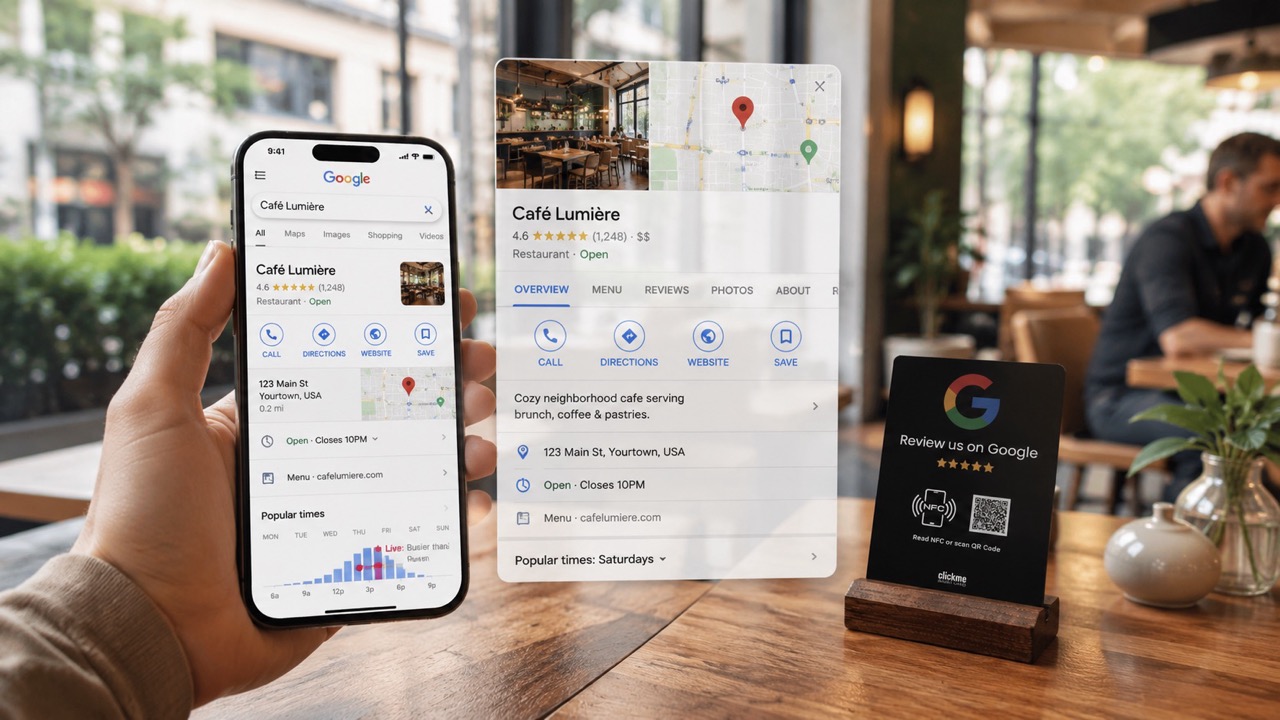
They are walking around the city, looking for a terrace, searching for dinner nearby, checking where to eat after a day at the beach or choosing a place while travelling. In many cases, the decision happens on Google Maps before they ever visit your website. That makes your Google Business Profile one of the most important online touchpoints for your restaurant.
Guests check your opening hours, photos, menu, reviews and location. If something looks outdated, unclear or less trustworthy than your competitor’s profile, they may simply choose another place.
Google also highlights that restaurants can use their Business Profile to show opening hours, menus, photos, services, offers and booking options. Source
People often search for simple things like:
Google explains that local rankings are mainly based on relevance, distance and prominence. Complete and accurate business information can help Google understand when your business should appear in local results. Source
For restaurants, this is not just a technical SEO detail. It can directly influence whether someone chooses your place or walks into the restaurant next door.
Before the busy season starts, check your opening hours carefully.
This is especially important if you have longer summer hours, special holiday opening times, terrace service, weekend brunch, takeaway, delivery or seasonal events.
Wrong opening hours can cost you real guests. If Google says you are closed while you are open, people may never come. If Google says you are open while you are closed, you risk disappointing them before they even try your food.
For restaurants, photos are often the first real impression.
Guests want to see the food, the terrace, the atmosphere, the interior and the overall feeling of the place. A few outdated or dark photos can make even a good restaurant look less attractive.
Google notes that photos can help businesses show what makes them unique and stand out on Google. Source
Before summer, upload fresh photos of your terrace, best dishes, desserts, drinks, cocktails, interior, team and seasonal offers.
A good photo does not just show what guests can eat. It shows why they should come.
Summer often brings new dishes, drinks and seasonal specials. Make sure your menu link works, especially on mobile.
Google allows restaurants to manage menu items, food photos, dish names and links through their Business Profile. Source
Check these points:
A broken or outdated menu link is a small mistake, but it can easily make a guest choose somewhere else.
Reviews are one of the strongest trust signals for restaurants.
Guests do not only look at the star rating. They check what people recently wrote, how fresh the reviews are and whether the restaurant replies professionally.
Old reviews still help, but fresh reviews matter more when someone wants to know what the place is like right now.
Is the service still good?
Is the food still worth it?
Is the terrace nice this season?
Do people still recommend it?
That is why restaurants should not leave reviews to chance. They should make it easy for happy guests to share their experience.
Many satisfied guests would leave a review, but they will not search for your restaurant manually and go through several steps to find the right review page.
A QR or NFC review card removes that friction.
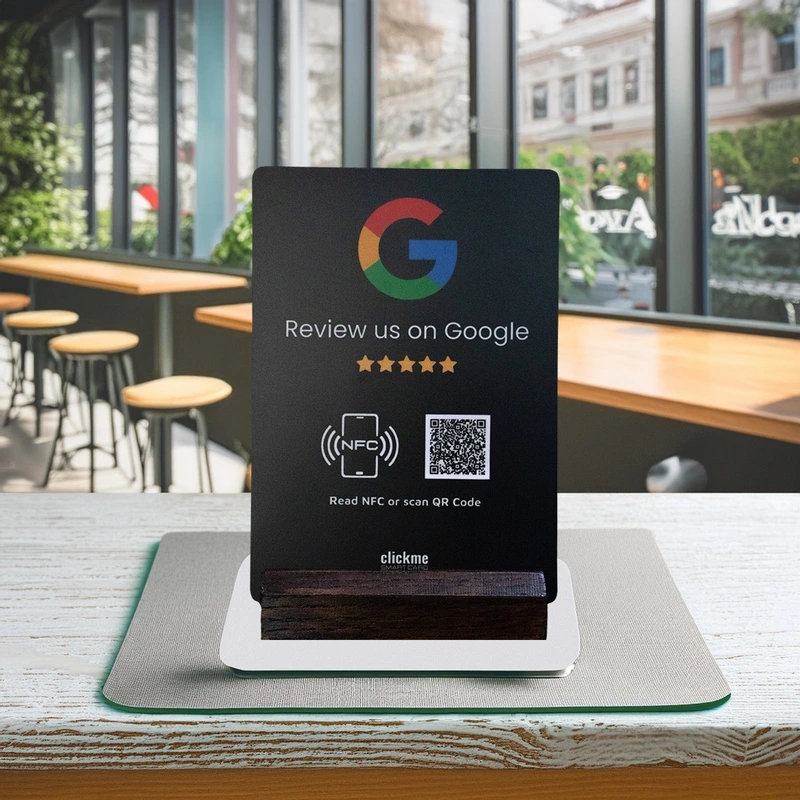
The guest scans the QR code or taps the NFC point with their phone and lands directly on your Google review page.
No app.
No long link.
No explanation.
No awkward asking.
The best places for a review card or review board are:
ClickMe Review Cards and QR/NFC Review Boards help restaurants guide happy guests directly to the review page while the experience is still fresh.
Google Business Profile is not only for basic information. You can also publish updates, offers and events.
Google says businesses can use posts to share news, offers, events and updates directly on their profile in Google Search and Maps. Source
For restaurants, this is useful for:
A fresh post shows that your restaurant is active and ready for the season.
The guest journey does not stop at Google.
A guest finds you on Maps, checks your reviews, looks at your photos, opens your menu and visits your restaurant. If they enjoy the experience, that moment is the best time to turn them into a reviewer, follower or returning guest.
That is where simple offline-to-online tools can help:
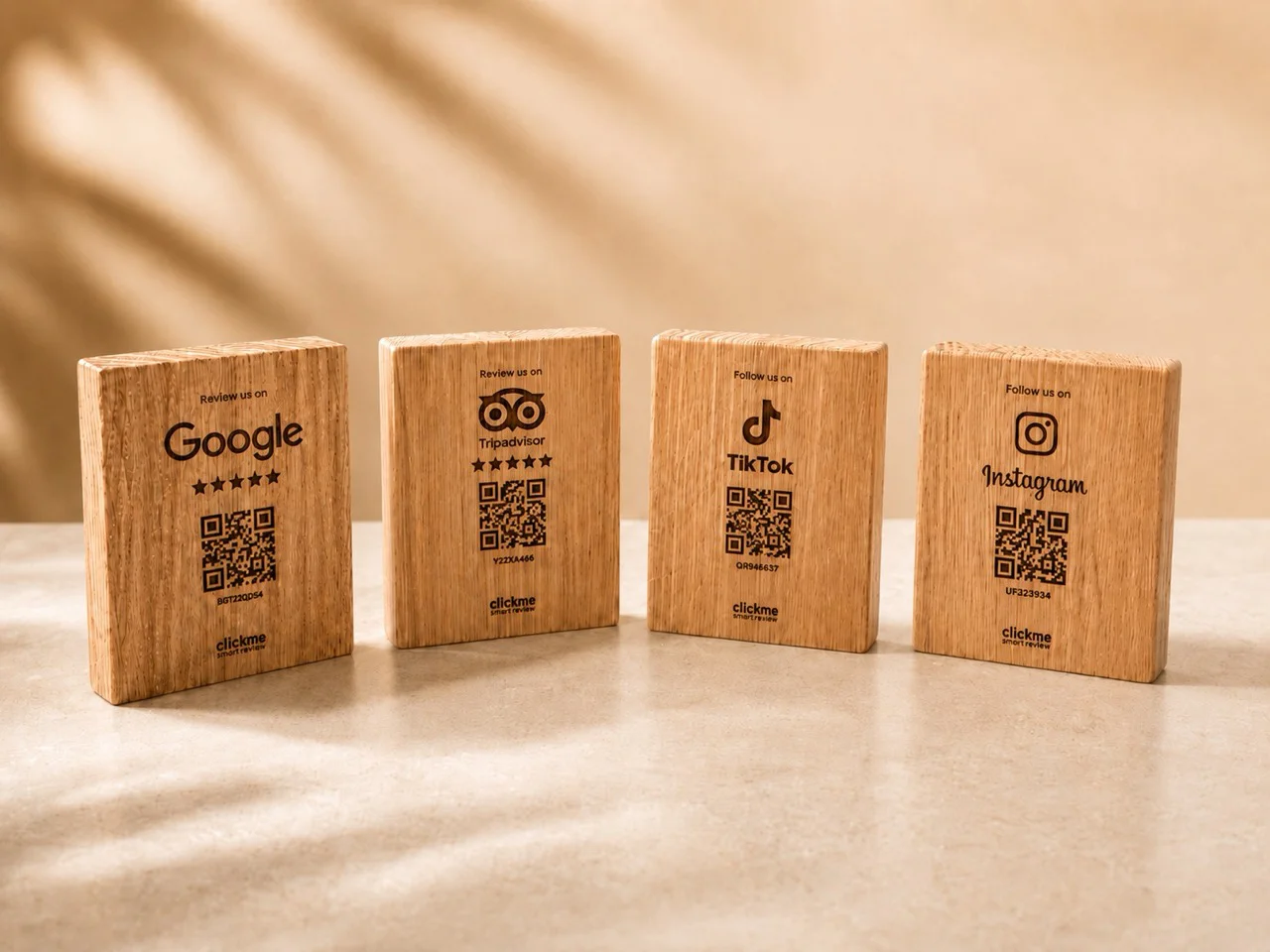
The goal is simple: do not let the relationship end when the guest leaves the table.
Before the season starts, check if:
If several of these are missing, your restaurant may be losing visibility and trust before guests even arrive.
ClickMe Review Cards and QR/NFC Review Boards make it simple for guests to leave a review.
They scan the QR code or tap the NFC point, and they are taken directly to your Google review page. This is especially useful during the summer season, when more tourists and new guests visit your restaurant. If they had a good experience, you should make it easy for them to share it. The cards and boards can also be customised with your restaurant’s logo and visual style, so they fit naturally on tables, counters or terraces.
The goal is not to create fake reviews. The goal is to help real, happy guests share real feedback.
Good food matters.
Good service matters.
Good atmosphere matters.
But people also need to see it online.
A Google Business Profile is a business listing that can appear on Google Search and Google Maps. For restaurants, it can show opening hours, address, phone number, website, menu, photos, reviews and booking options.
Google reviews help potential guests decide whether they can trust your restaurant. Fresh, real reviews can make your restaurant more attractive in local search results.
The easiest way is to reduce the number of steps. A QR or NFC review card can send guests directly to the Google review page.
No. Google does not allow businesses to offer money, discounts, gifts or incentives in exchange for reviews. Restaurants can ask for honest feedback, but they should not reward customers for leaving a review. Source
Good places include tables, counters, bill holders, terrace tables, takeaway pickup areas and reception desks. The review option should be visible when the guest experience is still fresh.