
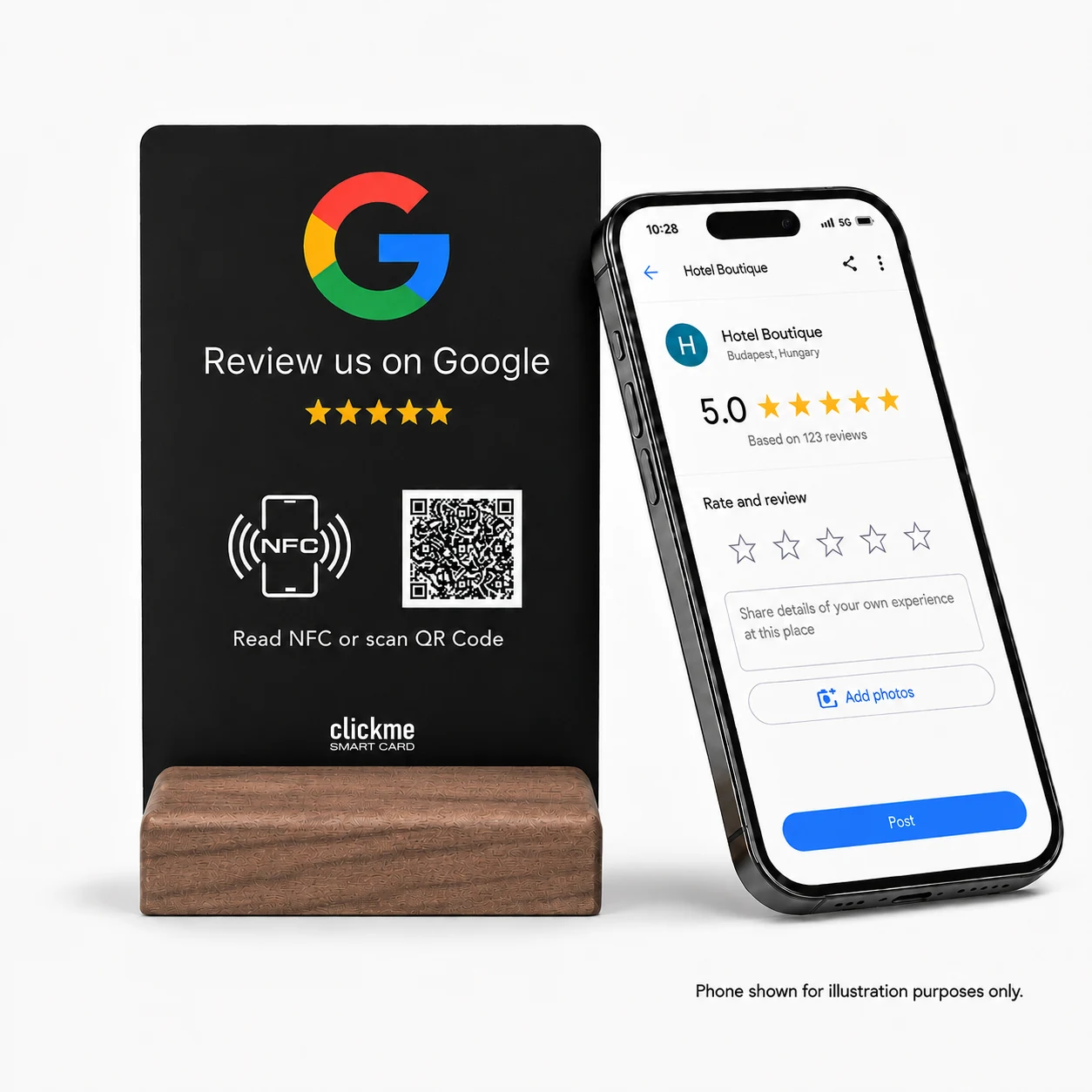
The ClickMe A6 Google Review Display helps customers reach your Google review page with a phone tap or QR scan. It removes the need to search for your business. That makes it a practical way to collect genuine feedback, build trust and support your efforts to attract more customers.
You already put time into serving your customers well. But someone searching for your business online cannot see every helpful conversation, careful repair or enjoyable meal. Reviews help make those experiences visible.
That is why a small review display deserves a place in your marketing plan. It connects the service you provide today with the impression your next customer gets online.
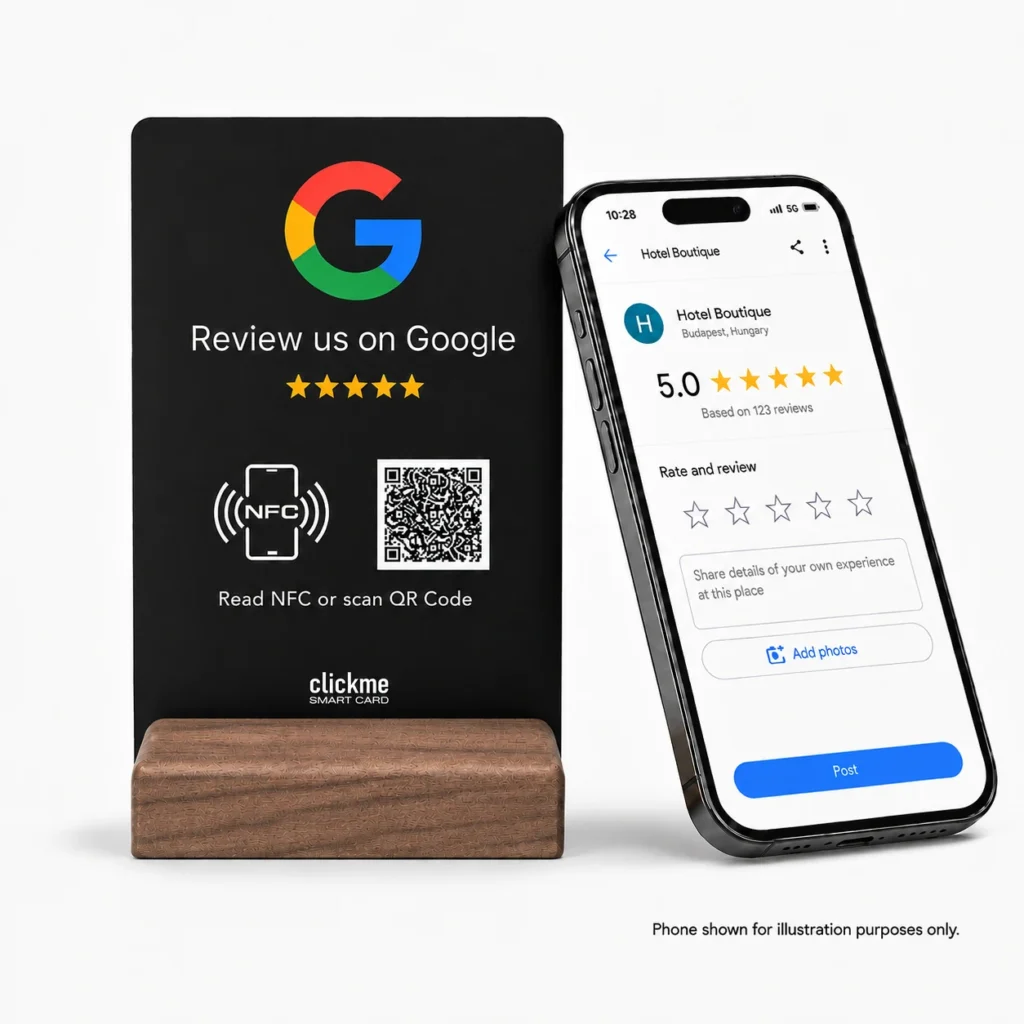
It is a small tabletop sign linked to your Google review page. A customer can tap the NFC area with a compatible phone or scan the QR code. They then open the review page and choose whether to leave feedback.
The ClickMe Google Review NFC and QR Code Display has a black, double-sided PVC panel and a natural walnut stand. This A6-style model measures 100 × 150 mm, according to its product listing.
It does not write a review, select a star rating or post anything automatically. Your customer stays in control.
The idea is simple: make feedback easier to leave, so future customers have more real experiences to learn from.
Without a direct link, a customer needs to search for your business, find the correct listing and work out where to write. With the display, the route is already there. Fewer steps can make it easier to follow through.
Imagine choosing a repair shop you have never visited. A recent review describing clear communication and a problem solved may tell you more than a slogan. Genuine feedback gives people something concrete to consider.
For more on this, read our guide to how customer feedback helps people choose a business.
Google says that more reviews and positive ratings can help local ranking. But reviews are only part of the picture. How well your business matches the search and how far away it is also matter.
The display helps with access to the review page. It does not buy a higher position on Google or guarantee more visitors.
A friendly request is useful. A visible sign gives that request a clear next step.
You do not have to spell out your business name, show someone which listing to choose or send a link later. The customer can use their own phone, while your team gets back to looking after them.
The tabletop format also gives the invitation a permanent place. It can sit at a checkout, reception desk or service counter rather than getting lost among leaflets.
A printed QR code can also take people to your review page. The reasons to choose this display are the additional NFC option, reusable tabletop format and walnut stand—not a special Google ranking benefit from the hardware itself.
For a business that meets customers in person, this is a straightforward marketing purchase: it makes better use of the customer relationships you are already building. It can complement advertising, rather than replace it.
In our SI Restaurant case study, the estimated monthly review rate rose from 15.2 before the displays were introduced to 58.5 during the following two complete months.
That is about 3.85 times the earlier rate. These are estimates from public review dates, not a controlled test. Seasonality and staff activity may also have contributed.
This was growth in reviews, not proof of the same growth in customers or revenue. It is a useful example of what easier review access can support, not a promise for every business.
Choose a visible, easy-to-reach place where the customer journey naturally ends:
A simple invitation is enough: “If you would like to share your experience, you can leave a Google review here.” Let customers decide whether and when to do it. Do not stand over them or ask to see their rating.
Google's review rules prohibit incentives and selectively asking only for positive reviews. Do not offer a discount, free drink or gift in return for feedback. Do not tell customers which rating or words to use.
Make the same review option available to all genuine customers. Critical feedback can also show you what needs to improve. The display should make honest opinions easier to share, not filter them.
No separate ClickMe app is needed. Customers can follow the link on their phone. Google requires them to be signed into a Google Account to leave a review.
The customer can scan the QR code with a suitable camera or QR reader instead. Internet access is needed to use the online review page.
Yes. The display can link to the review page for your existing profile. Check that the link points to the right business location.
No product can promise that for every business. This display makes reviewing easier. Your service, reputation, location and wider marketing still influence whether people choose you.
No. Shops, salons, hotels, repair businesses and other customer-facing locations can use it wherever a review invitation fits naturally.
You do the hard work of looking after customers. The ClickMe A6 Google Review Display makes it easier for them to share that experience with the next person deciding where to go.
It is a small, practical addition to your counter—and a useful way to connect everyday customer service with your online reputation.
Explore the ClickMe Google Review Display and choose your setup option →

 English English
  German
 French
 Spanish
 Italian
 Hungarian
 Romanian
 Greek
Greek
 Dutch
Dutch
 Polish
 Turkish
 Arabic
