In today’s digital world, being easily discoverable online is crucial for business success. Appearing on Google Maps not only increases your visibility but also builds trust with potential customers. In this article, we’ll explain how to get your business listed on Google Maps and why it’s a must-have for any company.
When users search for local services or products, Google Maps is one of the first tools they use. If your business appears in search results, you stand a better chance of attracting customers compared to competitors who are not listed.
Google Maps allows customers to leave reviews and ratings for businesses. Positive reviews increase credibility, encourage new customers to choose your business, and improve your overall online reputation.
A well-optimized Google Business Profile (formerly Google My Business) helps your business rank higher in local searches. This means when someone searches for "best coffee shop near me" or "professional website development in [your city]," your business has a better chance of appearing at the top.
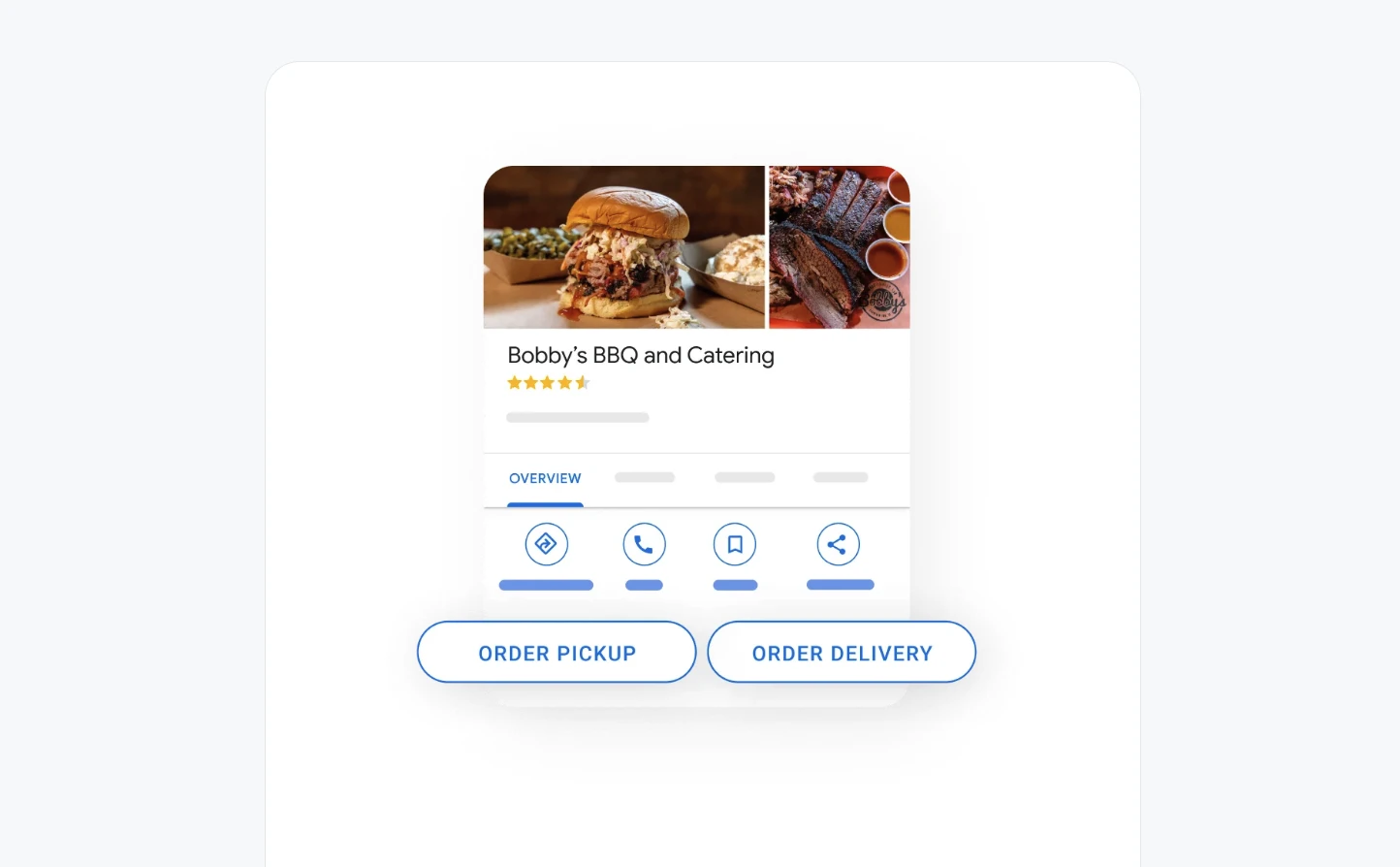
Your Google Maps listing includes essential details like your address, phone number, website, and business hours. With just one tap, customers can call you, visit your website, or get directions to your location, improving convenience and user experience.
Google will require verification to ensure you are the legitimate owner. This can be done via:
Once verified, enhance your profile by:
Regularly update your profile with:
A strong presence on Google Maps not only makes your business more discoverable but also helps build trust and credibility through customer reviews. Businesses with a high number of positive reviews rank higher in local searches, attract more customers, and stand out from competitors.
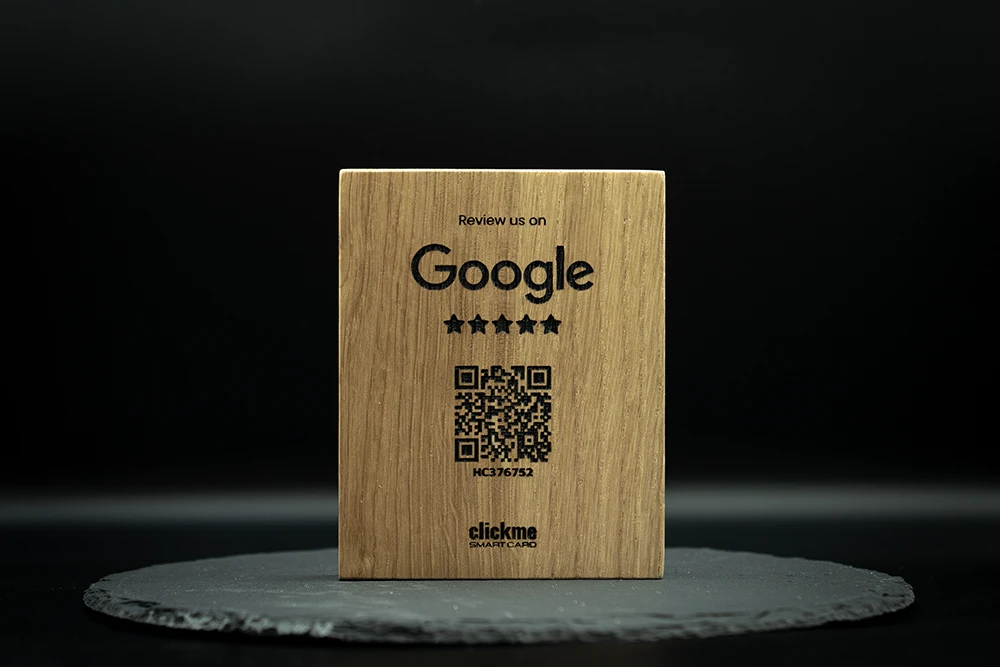
If you want to increase the number of reviews for your business, it’s a good idea to make the review process as simple as possible for your customers. One effective way to do this is by placing review collection signs and NFC / QR code cards at your location. These allow customers to leave feedback with just a tap or scan, improving your reputation and search visibility.
📌 Check out ClickMe Smart Card’s review collection solutions to make gathering reviews effortless: clcme.eu 🚀
Being visible on Google Maps is no longer optional—it’s a necessity. Whether you run a local café, an online service, or an e-commerce store, listing your business on Google Maps ensures you don’t miss out on potential customers searching for your services.
Ready to boost your business? Claim your Google Maps listing today and start leveraging its power!